Jupyter Notebooks
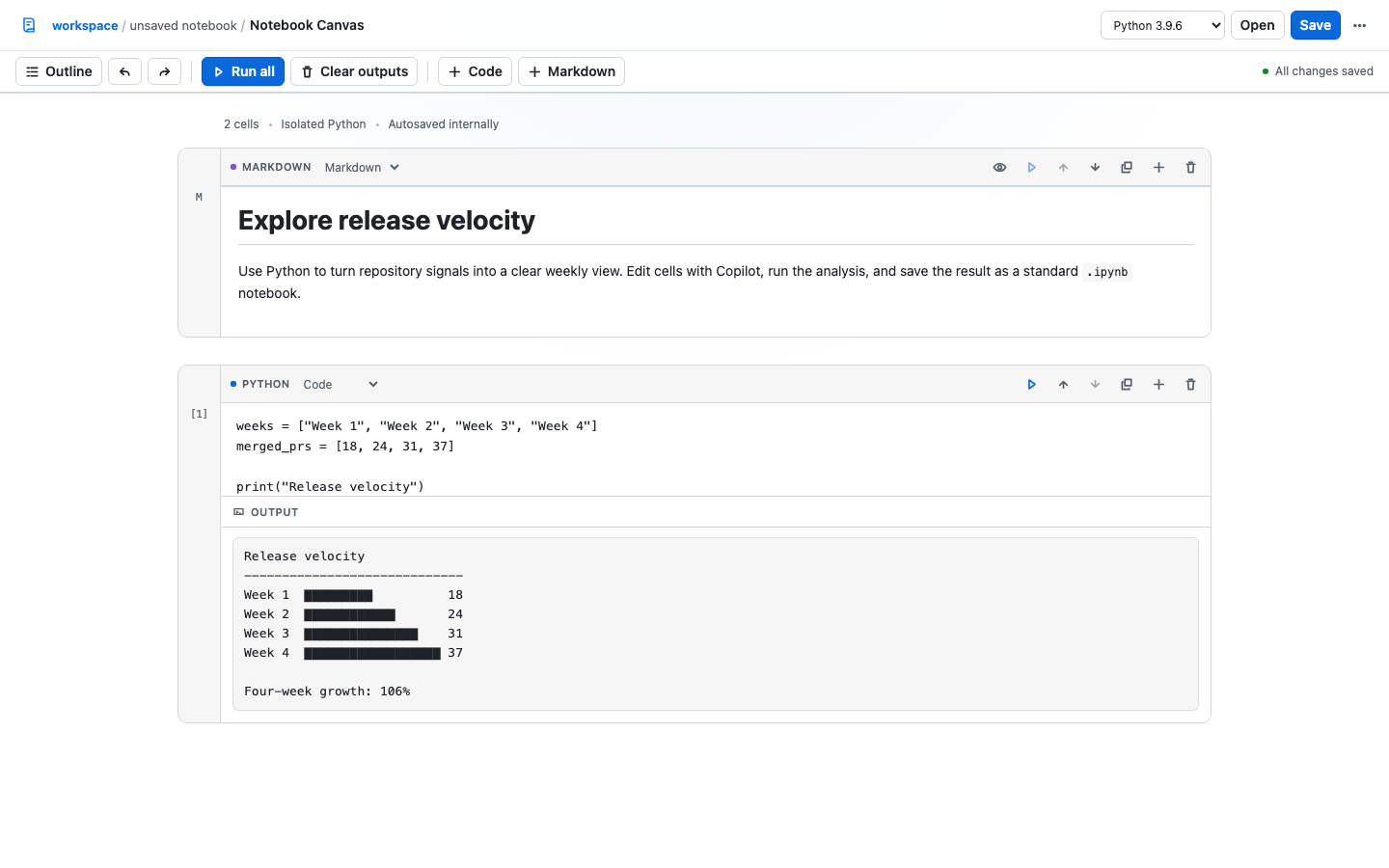
Create, edit, run, save, and checkpoint Jupyter notebooks in an interactive GitHub Copilot canvas.

What it does
- Opens existing
.ipynbfiles from the current workspace. - Creates code, Markdown, and raw cells with reorder, duplicate, undo, and redo controls.
- Runs Python cells through a fresh isolated process with bounded resources and captured rich output.
- Saves, renames, and duplicates notebooks as standard
.ipynbfiles. - Creates persistent checkpoints that can be restored from the canvas.
Requirements
- Python 3 available as
python3orpython. - The
@github/copilot-sdkpackage installed with the extension.
Install
Ask Copilot to install the committed extension:
Install this extension: https://github.com/github/awesome-copilot/tree/main/extensions/jupyter-notebooks
Reload extensions, then ask Copilot to open the jupyter-notebooks canvas.
Agent actions
The canvas provides actions for notebook lifecycle, workspace files, cell editing, execution, runtime selection, and checkpoints. Use get_notebook to inspect the current state before editing a cell.
Security and local data
Notebook execution uses Python isolated mode in a fresh temporary directory. The runner applies CPU, file-size, process, and memory limits where the platform supports them, caps captured output, and stops execution after 30 seconds.
The local canvas server binds to 127.0.0.1, protects requests with a per-instance capability token, validates action origins, and sends a restrictive content security policy. Notebook state and checkpoints stay in the active Copilot workspace.